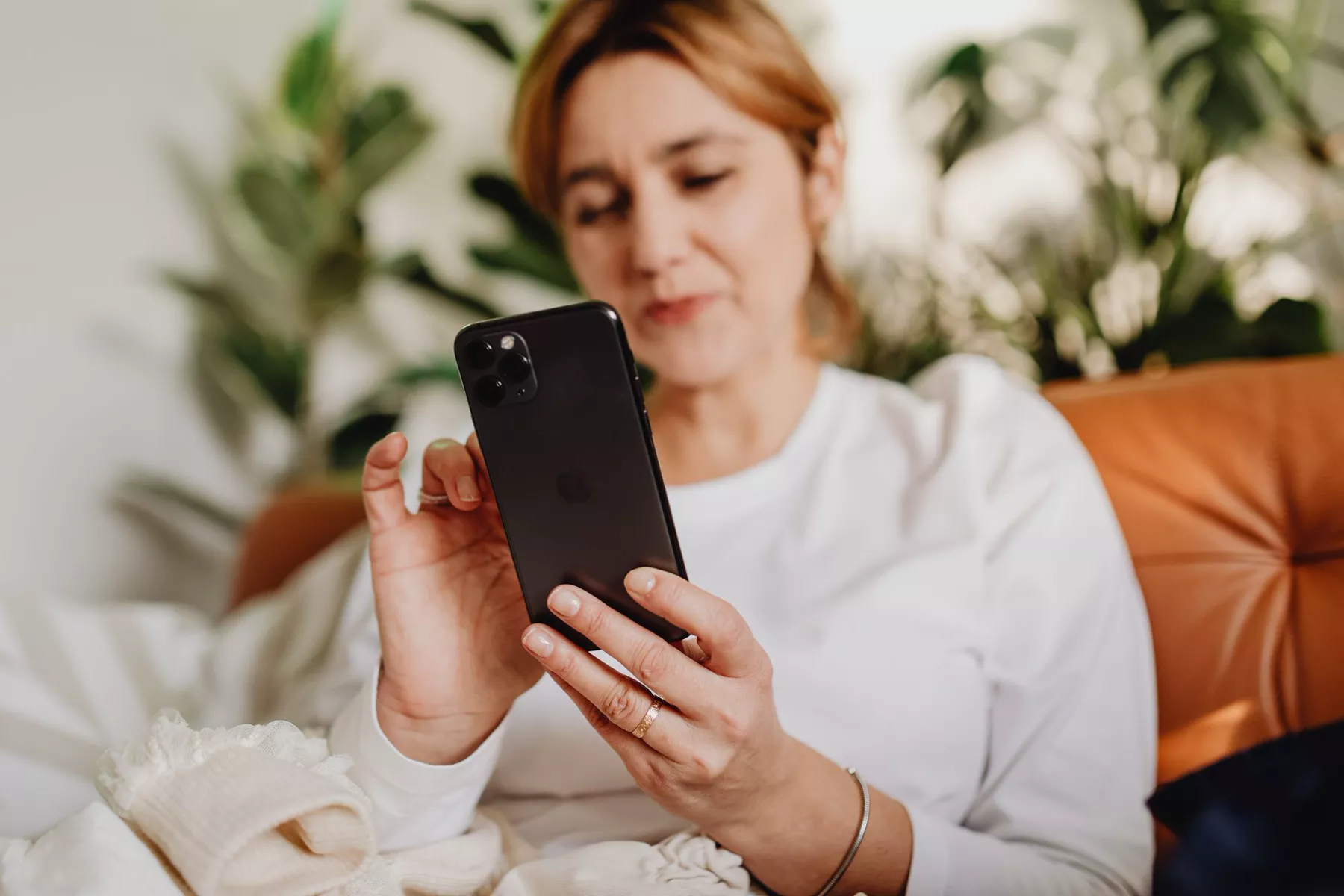
Private practices can reduce no-shows by sending clear, automated reminders on the channels patients actually read, such as WhatsApp and email, and by making it as easy to cancel or reschedule as it is to confirm. A missed appointment is rarely a decision. It is usually a forgotten slot, a changed plan or an unclear booking. A good reminder system fixes all three without adding work for your front desk.
Why appointments get missed
Before choosing tools, it is worth understanding the reasons. In a private practice they tend to fall into a few groups.
- The patient forgot. The booking was made days or weeks earlier and nothing reminded them.
- Something changed. Work, travel, illness or family, and no easy way to tell you.
- The booking was unclear. Wrong time, wrong place, or confusion about which professional.
- Friction in cancelling. If cancelling means a phone call during office hours, many patients simply do not show up.
Notice that three of the four are problems of communication, not of commitment. That is good news, because communication can be improved.
The cost of an empty slot
An empty slot costs the practice twice. The professional's time is lost, and another patient who could have used that slot waits longer. It also disrupts the day: gaps are awkward to fill at short notice. You do not need exact numbers to see why many practices treat no-shows as an operational priority rather than an unavoidable nuisance.
What a good reminder flow looks like
A simple, effective flow has a few ingredients.
- A confirmation right after booking. It shows the patient everything is registered: date, time, place and professional.
- A reminder in advance. Early enough to allow cancelling or rescheduling and give you time to refill the slot.
- A short reminder close to the appointment. A final nudge, with the address and an easy way to say "I cannot come".
- A way to reply. Confirm, cancel or ask to reschedule with a tap or a short reply.
- A follow-up after the visit. Thanks, next steps, and an invitation to book the next appointment if needed.
The aim is not to send more messages. It is to send the right message at the right moment.
Choosing the channel
Different patients prefer different channels, and the best answer is often to offer a choice.
- WhatsApp is widely used for everyday communication in many countries and has high visibility. Messaging platforms have their own business rules, so make sure your setup follows them.
- Email is formal, easy to archive and works for patients who prefer it, though it may be read later.
- SMS or phone remain useful for patients who use neither of the above.
What matters is that the channel is one the patient has agreed to, not simply the one that is easiest for you.
Consent and privacy
Reminders involve personal data and, in a medical context, can reveal health information. In Europe the GDPR applies, so a few rules of good practice help.
- Tell patients how you will contact them and let them choose the channel.
- Keep messages minimal. Date, time and place are enough. Do not put clinical details or diagnoses in a reminder.
- Allow patients to opt out easily.
- Use tools that process data under a proper agreement, and know where the data goes.
TP53 Health is GDPR compliant. You can learn more on our trust and security page.
Make rescheduling as easy as confirming
Many practices send reminders but make cancelling hard. This defeats the purpose, because a cancelled appointment with time to refill the slot is far better than a no-show. Offer a direct way to reschedule and, ideally, offer alternative slots. The AI scheduling assistant from TP53 Health is built for this kind of conversation, helping handle bookings, changes and cancellations without tying up your reception.
Automating without losing the human touch
Automation works best for routine messages. Keep the human touch for exceptions: a patient who is anxious, a complex appointment, a repeated cancellation. Let the system handle the standard flow and flag the rest to your team.
For private practices that want one workflow from booking to follow-up, patient follow-up for private clinics covers reminders and post-visit communication. See also our page for private clinics.
A small checklist to start
- Do patients get a confirmation immediately after booking?
- Is there at least one reminder early enough to reschedule?
- Can a patient cancel or reschedule in one step?
- Do messages avoid clinical details?
- Do you have consent and an opt-out for each channel?
- Does your team see replies in one place?
If you answered no to several of these, that is your starting list.
Tone and timing matter
A reminder is more effective when it sounds like it comes from a person who cares about the appointment. Use the patient's name, mention the date, time and place, and offer an easy way to confirm, move or cancel. Send it early enough that rescheduling is still possible, and avoid sending several messages in a row.
Keep messages short and free of clinical details. Anything that would be sensitive if seen on a locked phone screen does not belong in a reminder.
Related reading
Reminders are one part of a practice workflow. If you are comparing tools more broadly, read our checklist for choosing AI software for a medical practice. For nutrition practices, see how reminders connect with plans in how nutritionists can build meal plans faster with AI.
Frequently asked questions
The FAQ below answers the most common questions about reminders. If you want to see how automated reminders could fit your practice, Get to know us.